

Construction
Add or adjust date, time, address, GPS, watermark templates, and project notes on existing photos and videos. Update supported EXIF metadata when needed.

2026.08.19
09:42:18 · GMT+8
Editing workflow
Import a photo or video from your album, or capture something new. Date, time, address, GPS, watermark templates, logos, and notes stay in one editing flow.
Core capabilities
Edit existing photos and videos or capture something new. Time, address, GPS, EXIF, templates, and project notes fit into one workflow.
Edit existing photos
Import media from your album and add or adjust date, time, address, GPS, weather, logo, and project information
Add suitable watermarks, context, and visual annotations to construction, property inspection, equipment maintenance, store delivery, travel, and scanned photos
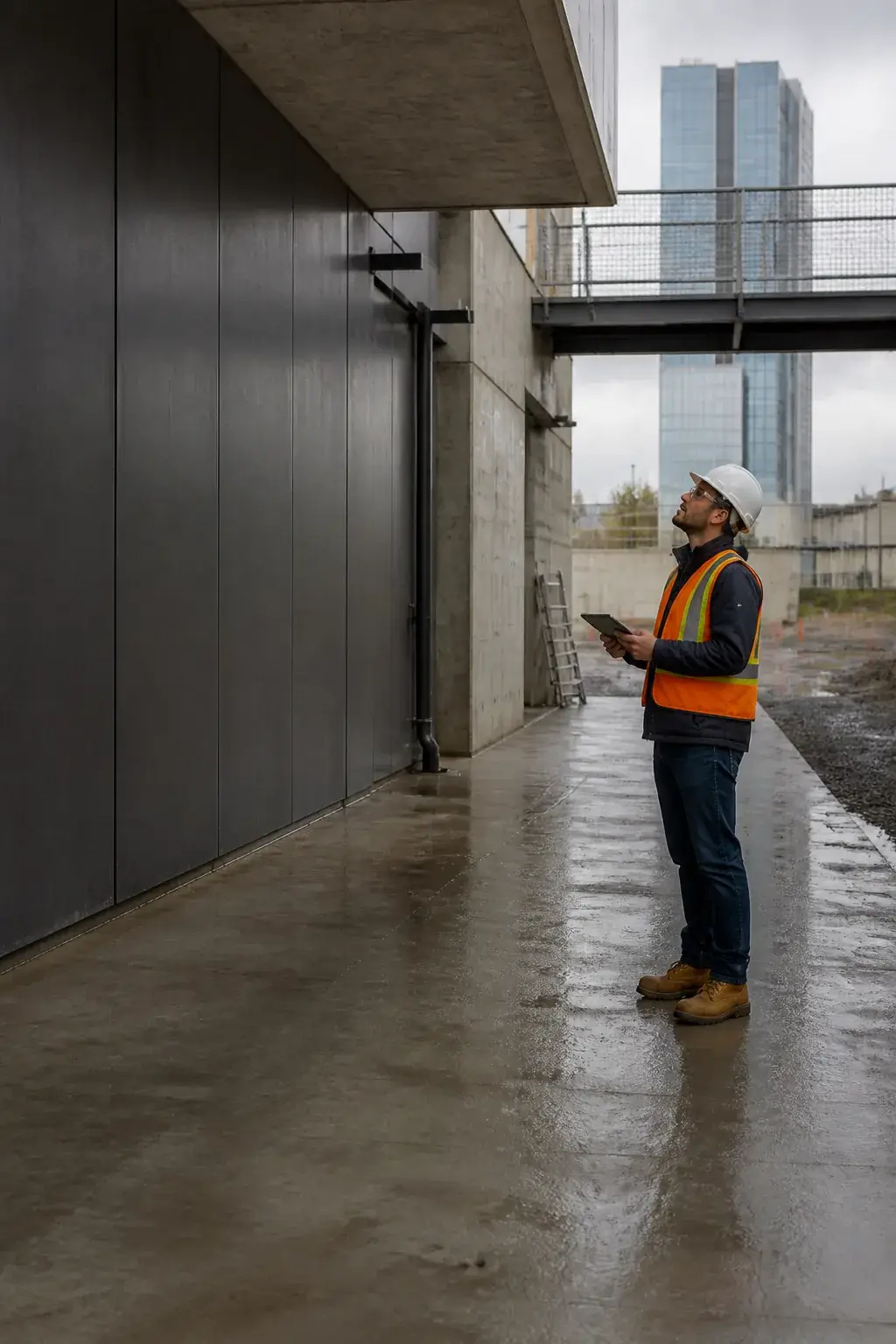
Construction

Warehouse checks

Equipment service

Store delivery

Property inspection

Safety review
TimemarkEdit is a photo watermark and metadata editor. It does not certify the original capture time or location.
Store the unwatermarked original separately from edited copies, then start from the clean file when you want to change a project, address, or watermark style
 Unwatermarked original
Cloud copy ready
IMG_0819 · 4.8 MB
FAQ
What TimemarkEdit edits and how custom values should be understood
You can edit visible watermarks on existing photos and videos, including date, time, address, GPS, templates, project notes, logos, and annotations. You can also update supported EXIF metadata.
Yes. You can adjust visible time, address, and GPS while capturing a new photo, or import existing media and edit those values later.
No. Custom values and supported EXIF fields are user-edited information. TimemarkEdit does not independently verify or certify when or where the original media was captured.
Common uses include construction, property inspection, equipment maintenance, store and delivery photos, travel photos, scanned family photos, timezone corrections, and project annotations.
Yes. You can add a logo, customize brand text and style, include project notes, and use arrows, text, boxes, or magnifiers.
Keep the original file and disclose edits when required. Follow the rules of the organization, project, or process where you use the edited media.
Download TimemarkEdit to edit date, time, address, GPS, templates, notes, and supported EXIF fields on existing photos and videos
Editing is designed to happen on your device. Photos upload only when you choose a cloud feature.